
Picture Frame 1
A Basic Table Picture Frame
|
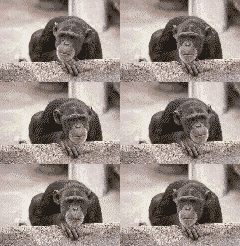
With tables you can create a nice picture frame around an image. This adds a little more to the image and helps it stand out better on your web page.
Experiment with the cellpadding, cellspacing and colors to create something that fits well within your web page's look and color scheme.
Below is the Html code for the picture frame table above.
Note: the "bordercolor" tag is a Internet Explorer tag only.
You may build this picture frame with or without that tag.
<table bgcolor="#a52a2a" border="7" cellpadding="7" cellspacing="5" bordercolor="#770000">
<tr><td align="center" valign="middle">
<table bgcolor="#000000" border="0" cellpadding="10" cellspacing="10">
<tr><td align="center" valign="middle">
<img src="ape.gif" width="120" height="82" border="0" alt="ape image">
</td></tr></table>
</td></tr></table>
A Table Picture Frame With Caption
|
Below is the Html code for the picture frame table above with caption.
<table bgcolor="#a52a2a" border="7" cellpadding="7" cellspacing="5" bordercolor="#770000">
<tr><td align="center" valign="middle">
<table bgcolor="#000000" border="1" cellpadding="5" cellspacing="2" bordercolor="#770000">
<tr><td align="center" valign="middle">
<img src="ape.gif" width="120" height="82" border="0" alt="ape image">
</td></tr>
<tr><td align="center" valign="middle" bgcolor="#000000">
<font size="2" color="#ffff00" face="verdana">
<b><i>Monkey See, Monkey Do</i></b></font>
</td></tr></table>
</td></tr></table>